Zemismart M1 Pro Review: Bringing Existing Smart Devices into Matter and Home Assistant
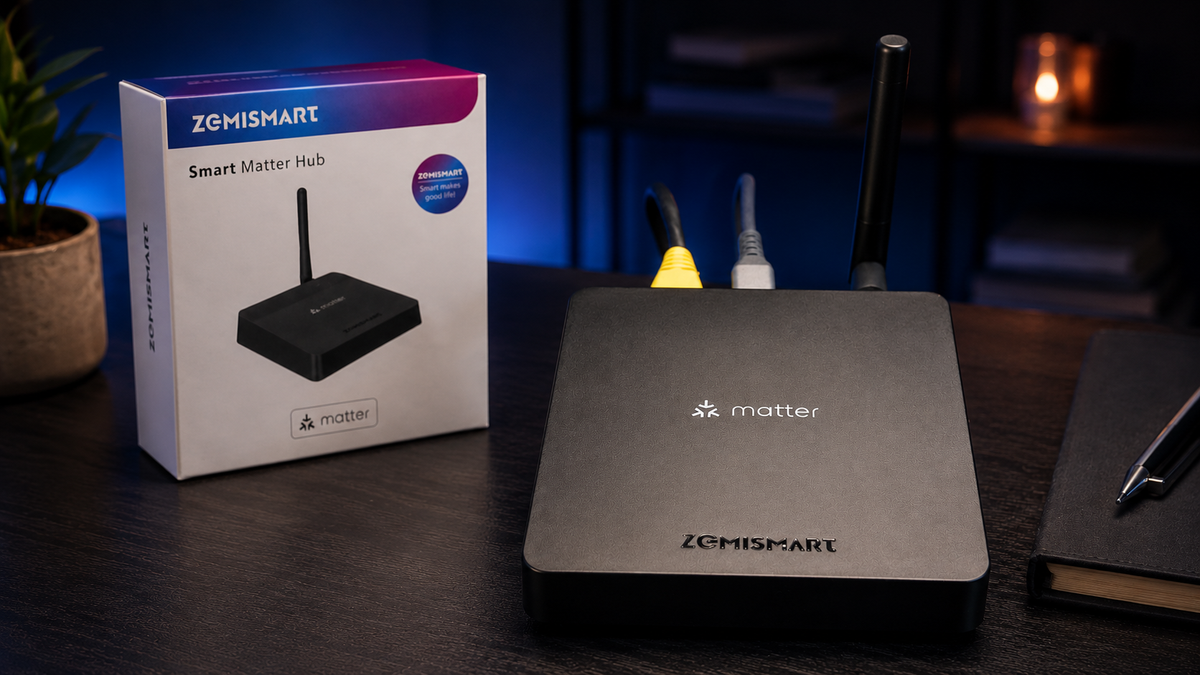
Disclosure: Zemismart sent me the M1 Pro directly for review. This is not a paid review, and the thoughts below are based on my own testing with Home Assistant. Some links in this article are affiliate links, which means I may earn a small commission if you buy through them, at no extra cost to you.
The smart home space is slowly moving towards Matter, but most of us already have existing devices running on Home Assistant with Zigbee, Tuya, IR or other ecosystems. That is where the Zemismart M1 Pro becomes interesting.
Get an exclusive discount by purchasing the Zemismart M1 Pro directly from Zemismart.
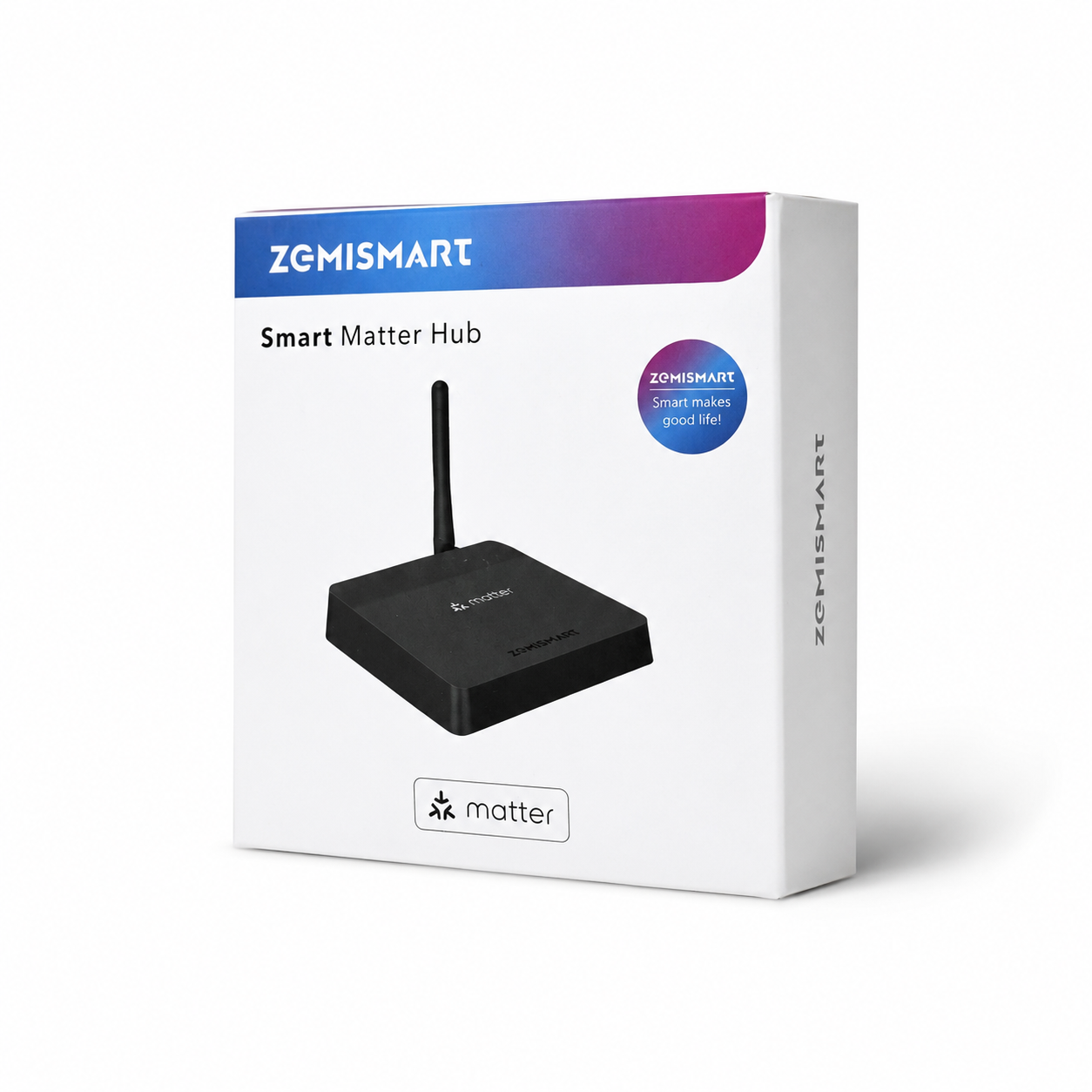
Rather than replacing your whole smart home setup, the M1 Pro acts as a bridge. It allows supported devices connected through the hub to be exposed to Matter-compatible platforms, including Home Assistant.
What I tested
Tested with: Home Assistant, Matter integration, Zemismart M1 Pro over Ethernet, Meross Smart Plug Mini, Google Home.
Prerequisites before using the Zemismart M1 Pro
Before using the Zemismart M1 Pro, you need a Matter-compatible smart home platform, such as Home Assistant, Google Home, Apple Home, SmartThings or Alexa.
You also need a Matter controller for the ecosystem you want to use. If you want to use Thread devices, you may also need a Thread border router.
You also need compatible devices to bridge, such as supported Zigbee, Thread, Tuya/Zemismart or IR-controlled devices. The M1 Pro does not make every device fully Matter-compatible; it exposes supported devices and supported features through Matter.
| Platform | Matter controller examples | Thread border router examples | Notes |
|---|---|---|---|
| Home Assistant | Home Assistant with the Matter integration and Matter Server | Home Assistant Connect ZBT-1/ZBT-2 or another supported Thread border router | The M1 Pro is added through Matter, not as a Zigbee2MQTT or ZHA coordinator. |
| Google Home | Google Home, Google Home Mini, Nest Mini, Nest Audio, Nest Hub, Nest Hub Max, Nest Wifi Pro, Google TV Streamer | Nest Hub 2nd gen, Nest Hub Max, Nest Wifi Pro, Google TV Streamer | A Nest Hub or similar Google Matter controller is required if using Google Home. |
| Apple Home | HomePod mini, HomePod 2nd gen, Apple TV 4K | HomePod mini, HomePod 2nd gen, Apple TV 4K models with Thread support | Needed if you want to expose devices into Apple Home. |
| SmartThings | SmartThings Hub, Aeotec Smart Home Hub, compatible SmartThings Station/devices | SmartThings hubs/devices with Thread support | Useful if your smart home is based around Samsung SmartThings. |
| Amazon Alexa | Compatible Echo devices with Matter support | Echo devices with Thread support, where available | Useful for Alexa voice control and device sharing. |
For Home Assistant, you need the Matter integration and Matter Server set up. The M1 Pro is added through Matter, not as a normal Zigbee2MQTT or ZHA coordinator.
You also need compatible devices to bridge, such as supported Zigbee, Thread, Tuya/Zemismart or IR-controlled devices. The hub does not make every device fully Matter-compatible; it exposes supported devices and supported features through Matter.
Unboxing time
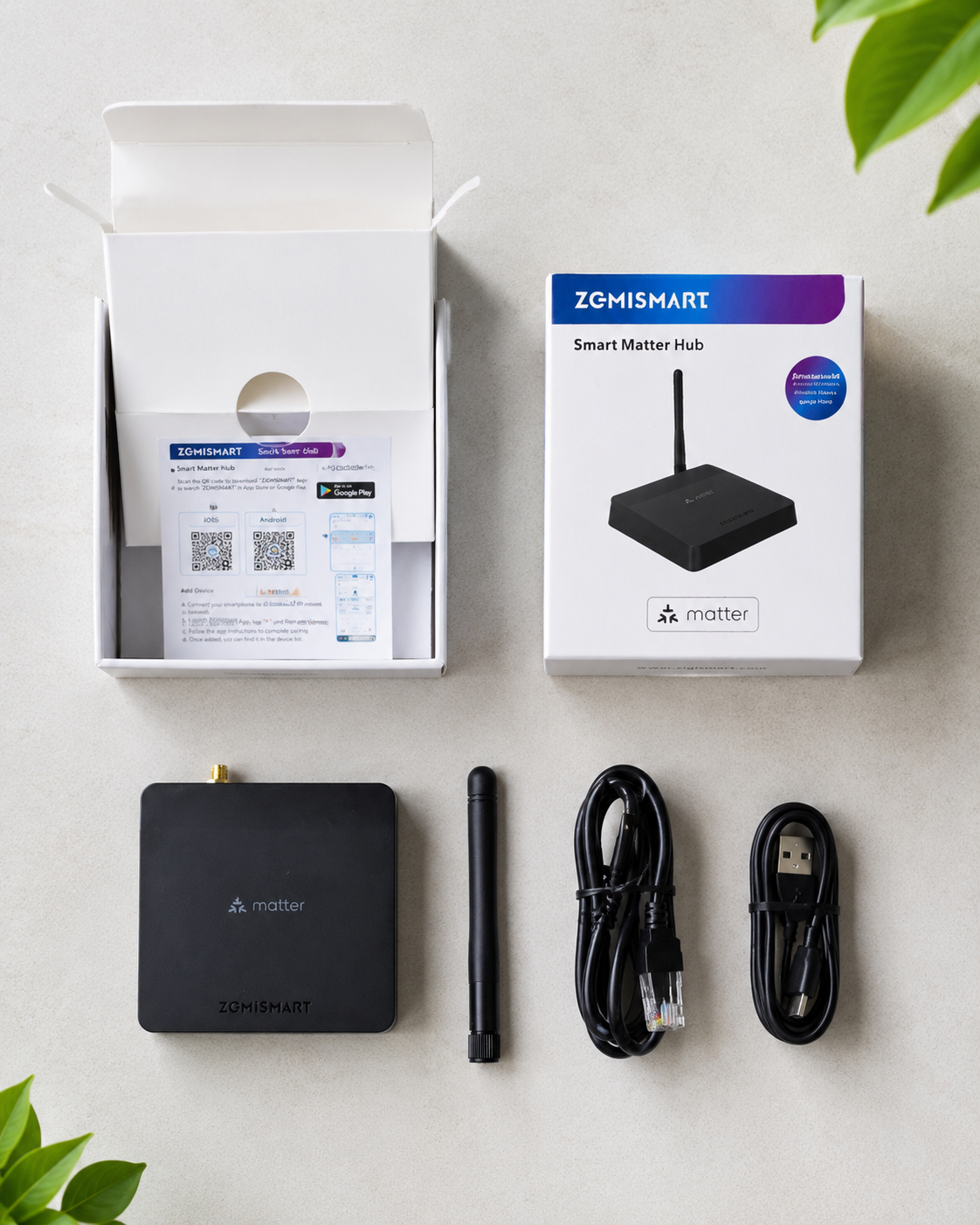
On first glance, the hub itself is a nice compact size and has a simple, minimal design with the Zemismart and Matter logos on the top. The rear edge includes Ethernet, USB-C power and the external antenna connection. Inside the package, you get the hub, antenna, USB-C cable, Ethernet RJ45 cable and instruction manual.
Getting set up
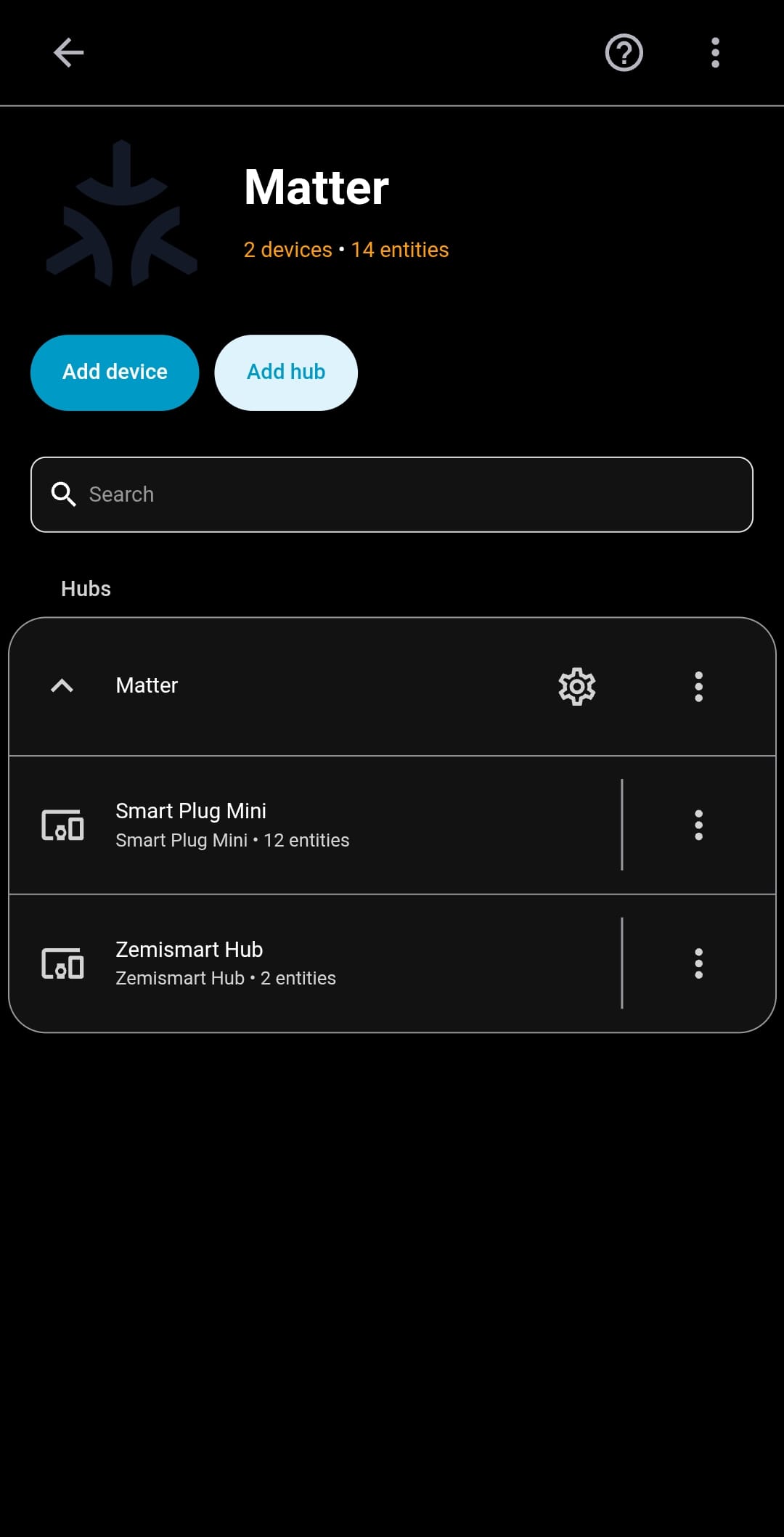
I paired the M1 Pro with Home Assistant and found the setup fairly straightforward. The instructions say to power the device on connected via Ethernet for the first time setup. I did exactly this, and Home Assistant automatically discovered the Matter device as a Hub.
Note: you can only do this using the Home Assistant companion app; you cannot add Matter devices from the Home Assistant Web UI.
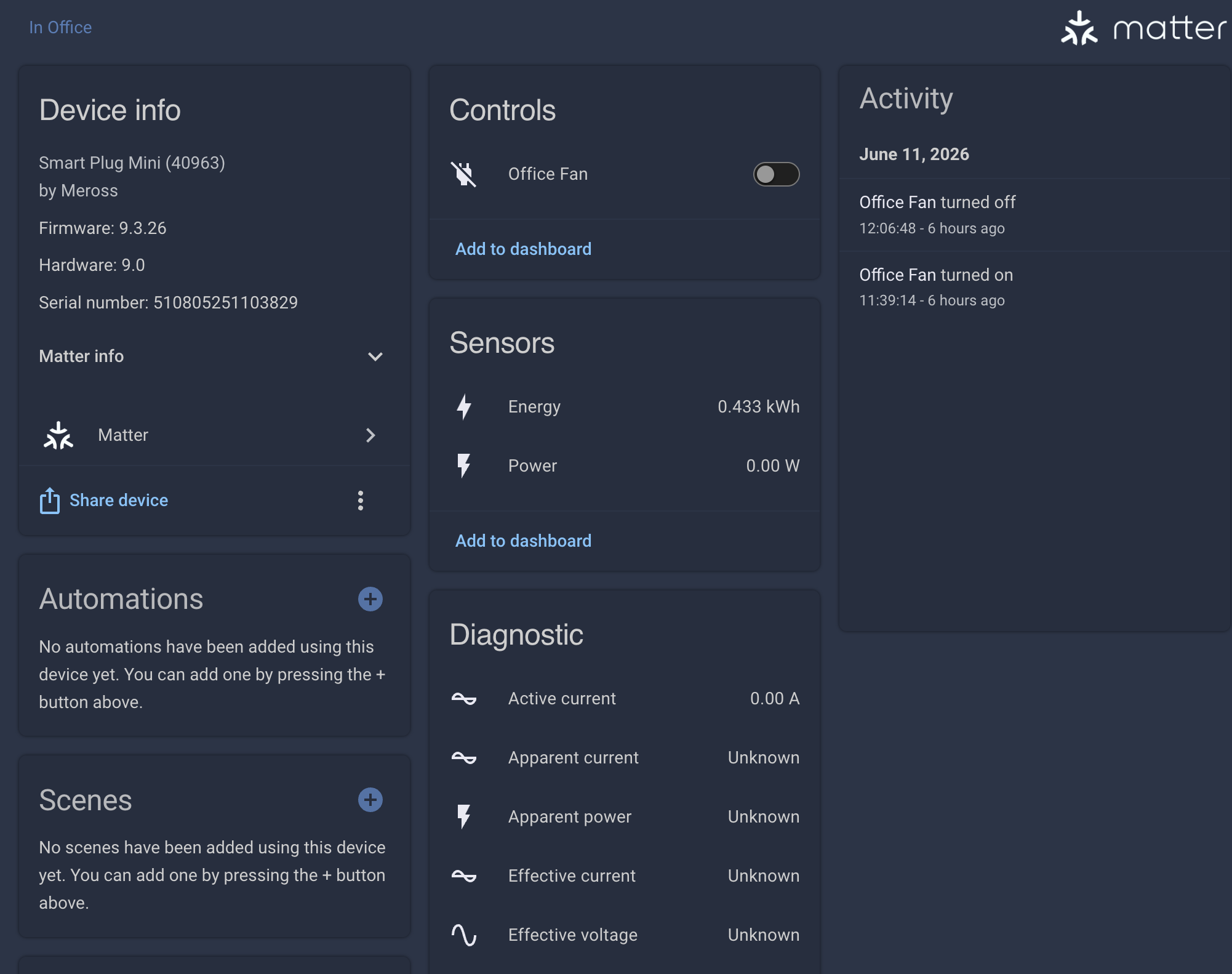
Once added, the hub appeared inside Home Assistant, making it possible to bring supported devices into my existing smart home setup without having to start again from scratch. In fact, since I had already added the Meross Smart Plug Mini 13A in the Google Home app, it was automatically detected by Home Assistant and appeared as a device with exposed entities.
Why does this 'matter'
Matter is designed to make smart home devices work across different platforms more easily. In practice, though, many homes are still a mix of different brands, apps and protocols.
The M1 Pro helps by sitting in the middle. Instead of needing every individual device to support Matter directly, the hub can expose compatible connected devices through Matter.
That means you can potentially use existing devices across platforms such as Home Assistant, Apple Home, Google Home, Alexa or SmartThings, depending on compatibility.
This is especially useful for people who already have Zigbee or Tuya-style devices and want to make them available in a more modern Matter-based setup.
Using it with Home Assistant
In Home Assistant, the M1 Pro paired as a Matter device. This makes it different from using a normal Zigbee coordinator with Zigbee2MQTT or ZHA.
A traditional Zigbee coordinator gives you deeper control and more technical visibility. The M1 Pro is more about convenience and sharing devices through Matter.
So I would not describe it as a direct replacement for a dedicated Home Assistant Zigbee coordinator. Instead, it is better understood as a Matter bridge that can help connect existing devices into Home Assistant and other ecosystems.
Device sharing is the main benefit
The biggest advantage of the M1 Pro is device sharing.
If you have a mixed smart home, you may want the same devices to be available in different places. For example, you might use Home Assistant for automations, but also want certain devices visible in Apple Home or Google Home for voice control and family use.
That is where a Matter bridge makes sense.
It helps reduce the feeling of being locked into one app or one platform. Instead, supported devices can be shared more easily across your smart home setup.
My thoughts so far
The Zemismart M1 Pro is useful if you want to connect existing smart home devices into a Matter-based setup without replacing everything.
It is not aimed at users who want the deepest possible Zigbee control. If you already run Zigbee2MQTT or ZHA and want full control of your network, you may still prefer that route.
But if your goal is to bridge devices, simplify sharing, and make more of your smart home available across different platforms, the M1 Pro does a good job of filling that gap.
For me, the main value is not that it replaces Home Assistant. It is that it helps existing devices become part of a wider Matter-compatible smart home.
Final verdict
The Zemismart M1 Pro is a practical Matter bridge for people with existing smart home devices who want better platform compatibility.
It is simple enough to add into Home Assistant, useful for mixed smart homes, and makes sense for anyone trying to move towards Matter without throwing away their current setup.
If you want maximum technical control, a dedicated Zigbee coordinator may still be better. But if you want easier device sharing across Home Assistant and other Matter-supported platforms, the M1 Pro is definitely worth considering.
Comments ()