Part 3 - Cybersecurity for Everyone: Two-Factor Authentication (2FA) - Your Second Line of Defence
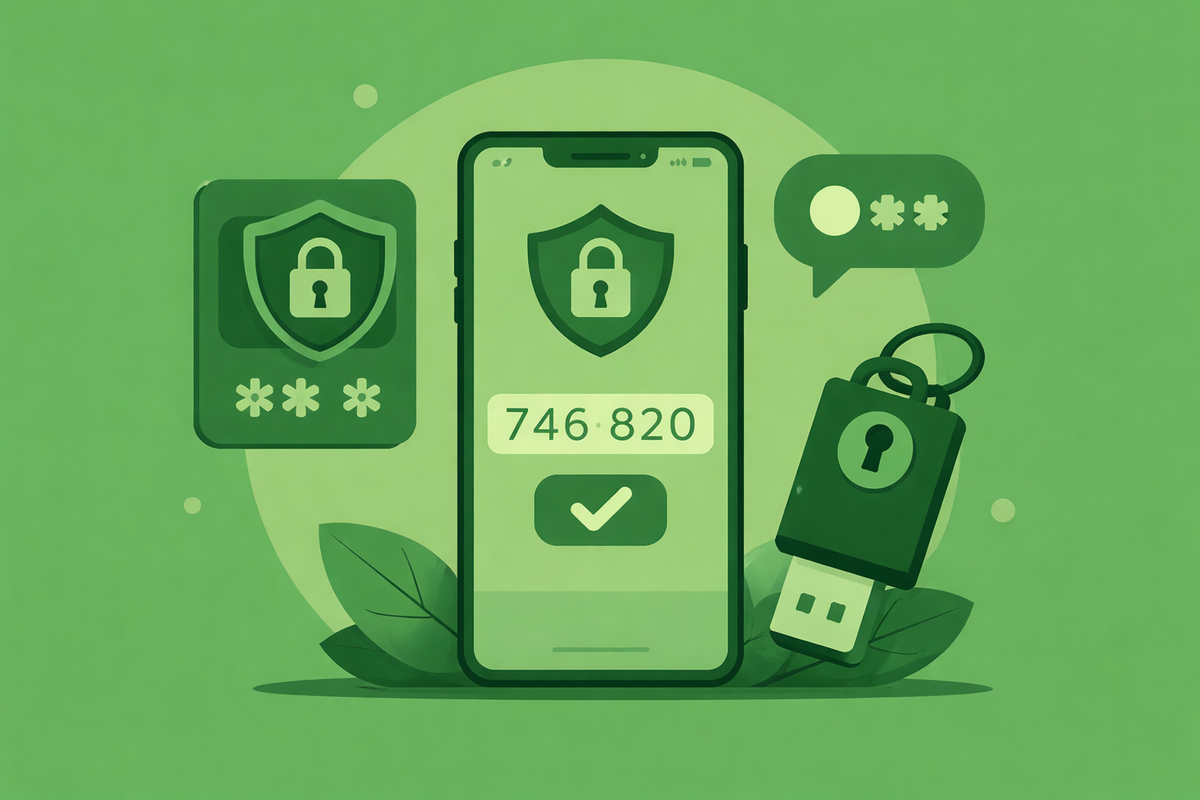
If a password is the key to your online accounts, two-factor authentication (2FA) is the second lock on the door.
Passwords are still important, but on their own they are no longer enough. Data breaches happen regularly, and passwords are often reused across multiple websites. When that happens, attackers can gain access without ever “hacking” anything.
Two-factor authentication dramatically reduces this risk.
What Is Two-Factor Authentication?
Two-factor authentication means you must provide two separate things to log in:
- Something you know – your password
- Something you have – your phone, an app, or a physical device
Even if someone steals your password, they cannot log in without the second factor.
This is why 2FA is one of the most effective security measures available to everyday users.
Why Passwords Alone Are Not Enough
Attackers rarely try to guess passwords one by one.
Instead, they:
- Use passwords leaked in data breaches
- Test them automatically across many websites
- Rely on password reuse to gain access
If your password is reused and appears in a breach, your account may already be at risk - even if you have not noticed anything unusual.
2FA stops this attack completely.
Common Types of Two-Factor Authentication
Not all 2FA methods are the same. Some are stronger than others.
Authentication Apps (Recommended)
These generate a temporary code on your phone.
Examples:
Pros
- Works offline
- Not tied to your phone number
- Much harder to intercept
Cons
- Can require setting up again if you change your phone, however, Google Authenticator syncs your 2FA accounts to your Google account, allowing you to easily switch devices if needed.
SMS Text Messages
A code is sent to your phone via text message.
Pros
- Easy to understand
- Better than no 2FA
Cons
- Vulnerable to SIM-swap attacks
- Relies on mobile network security
Hardware Security Keys
A physical device you plug in or tap, such as the Yubico 5C NFC, which is compatible with many devices and operating systems (Android, Windows, Mac, iOS, Linux).
Pros
- Extremely secure
- Resistant to phishing
Cons
- Costs money
- Easy to lose if not careful
For most people, an authentication app is the best balance of security and convenience.
Why Some People Avoid 2FA (and Why They Shouldn’t)
Common concerns include:
- "It’s annoying"
- "It takes too long"
- "I’ll get locked out"
In practice:
- It adds only a few seconds to logins
- Most services remember trusted devices
- Recovery options exist if set up properly
The inconvenience is minimal compared to the damage caused by account compromise.
Which Accounts Should Use 2FA First?
Start with the most important ones:
- Email account (highest priority)
- Online banking and financial services
- Apple, Google, Microsoft accounts
- Social media
- Cloud storage and work tools
If an attacker gets into your email, they can reset passwords for many other accounts. Securing email first is critical.
Backup Codes: The Step People Skip (But Shouldn’t)
When you enable 2FA, many services provide backup or recovery codes.
These allow access if:
- You lose your phone
- Your app stops working
- You change devices
Best practice:
- Save backup codes securely (ideally somewhere secure like 1Password, your password manager)
- Do not store them in plain text
- Do not keep them in the same place as your passwords unless using a secure tool like a password manager
This step prevents lockouts and removes most fear around enabling 2FA.
What 2FA Does Not Protect Against
2FA is powerful, but it is not magic. It does not protect against:
- Malware on an infected device
- Phishing sites that trick you into approving a login
- Weak recovery email security
This is why cybersecurity works best as layers, not single solutions.
Simple Steps You Can Take Today
You do not need to enable 2FA everywhere at once.
Start here:
- Enable 2FA on your email account
- Use an authentication app if possible
- Save recovery codes securely
- Add 2FA to banking and key online services
- Gradually expand to other accounts
Each step significantly reduces your risk.
What’s Coming Next
In the next article, we’ll look at what actually happens after a data breach — how stolen email and password combinations are used, shared, and tested against other services.
Understanding this makes the importance of strong passwords and 2FA very clear.
Comments ()