Email Subaddressing: A Simple Way to Trace Who Leaked Your Email
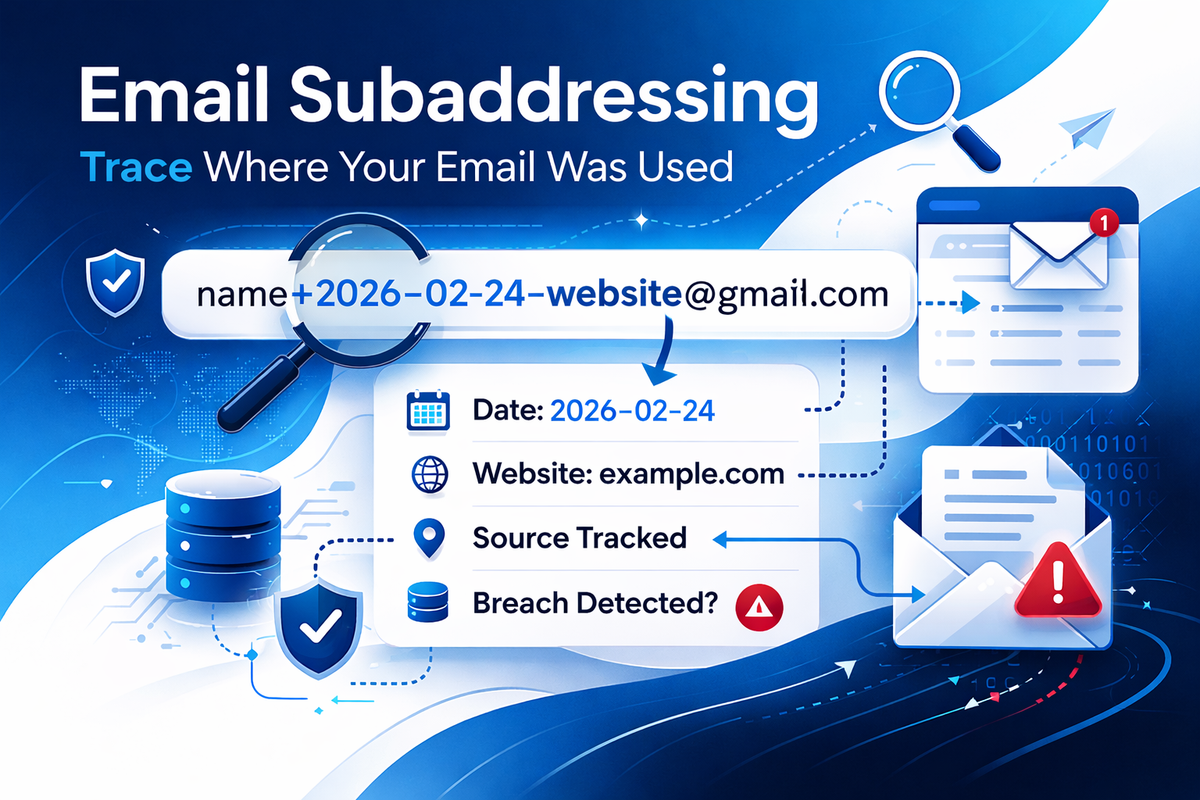
If you care about data privacy, GDPR compliance, or simply reducing spam, email subaddressing is one of the most underrated tools available — and it costs nothing.
I use a structured format for every website I sign up to:
name+yyyy-mm-dd-website@gmail.com
For example:
iqbal+2026-02-24-exampletool@gmail.com
If I later receive spam to that exact alias, I immediately know:
- Which website had my email
- When I registered
- Where the potential breach or data sale originated
This turns your inbox into a forensic log.
What Is Email Subaddressing?
Email subaddressing (also called plus addressing or tagged addressing) allows you to append a + and additional text to your email username.
For example, with:
name@gmail.com
You can use:
name+anything@gmail.com
The email still arrives in your main inbox.
Most major providers support this, including:
- Google (Gmail)
- Microsoft (Outlook.com / Exchange Online)
- Proton (Proton Mail)
- Fastmail
Why This Is Powerful
1️⃣ Identify the Source of a Data Breach
Imagine you sign up to:
name+2025-11-01-fitnessapp@gmail.com
Six months later you receive spam addressed specifically to:
name+2025-11-01-fitnessapp@gmail.com
Now you know:
- The leak likely originated from that service
- Or they shared/sold your data
- Or their vendor pipeline was compromised
There’s no guessing involved.
2️⃣ Prove Unauthorised Use of Your Data
Under UK GDPR, organisations must be able to demonstrate lawful basis and consent for processing personal data.
If a company emails:
name+2026-01-15-unknownsite@gmail.com
… and you never signed up to them, that becomes evidence.
You can:
- Issue a Subject Access Request (SAR)
- Ask where they obtained your data
- Challenge their lawful basis
- Escalate to the ICO if necessary
For a privacy-conscious business owner, this is extremely useful.
3️⃣ Detect Data Selling
Sometimes there is no breach — just “marketing partnerships.”
If you use:
name+2026-02-01-comparisontool@gmail.com
…and suddenly insurance companies start emailing that exact alias, you know your data travelled.
You can then:
- Check the original company’s privacy policy
- Withdraw consent
- Formally object to processing
4️⃣ Timestamping Adds Intelligence
Adding the date is what makes this system powerful.
Without the date:
name+amazon@gmail.com
With the date:
name+2026-02-24-amazon@gmail.com
The date tells you:
- When you signed up
- Whether it aligns with a known breach timeline
- Whether the data resurfaced years later
It transforms your email address into an audit trail.
Practical Benefits Beyond Security
Subaddressing is not just about breaches.
You can:
- Filter emails automatically (Gmail filters work perfectly with
+tags) - Separate personal vs business signups
- Track job applications
- Identify which newsletter you actually subscribed to
- Instantly spot phishing attempts
If a phishing email is sent to your base address (without the tag), you know it didn’t come from a tagged signup.
Limitations You Should Know
This isn’t perfect.
Some poorly designed websites:
- Strip out the
+symbol - Reject “non-standard” emails
- Normalise the address incorrectly
If that happens, it’s often a red flag about their engineering quality.
Also note:
- Gmail ignores dots in usernames (
name.lastname=namelastname) - But it does NOT ignore
+tags
Is This Better Than Separate Mailboxes?
In most cases, yes.
You could create hundreds of unique email accounts — but that’s operational overhead.
Subaddressing gives you:
- Unlimited aliases
- No setup
- No cost
- Instant traceability
For technical users and business owners, it’s low effort and high return.
For Developers and Businesses: A Responsibility Angle
If you’re building systems:
- Never strip
+from email addresses - Never normalise away subaddress tags
- Store and process emails exactly as entered
- Ensure marketing integrations preserve the full address
If you alter addresses, you break legitimate user workflows.
Final Thoughts
Email subaddressing is a simple but powerful privacy technique.
My format:
name+yyyy-mm-dd-website@gmail.com
It gives me:
- Source attribution
- Timeline context
- Breach traceability
- Evidence for GDPR challenges
- Peace of mind
In a world where personal data flows through countless SaaS platforms, CRMs, and marketing pipelines, small operational habits like this can give you back control.
And when that inevitable spam email arrives…
You’ll know exactly where it came from.
Comments ()